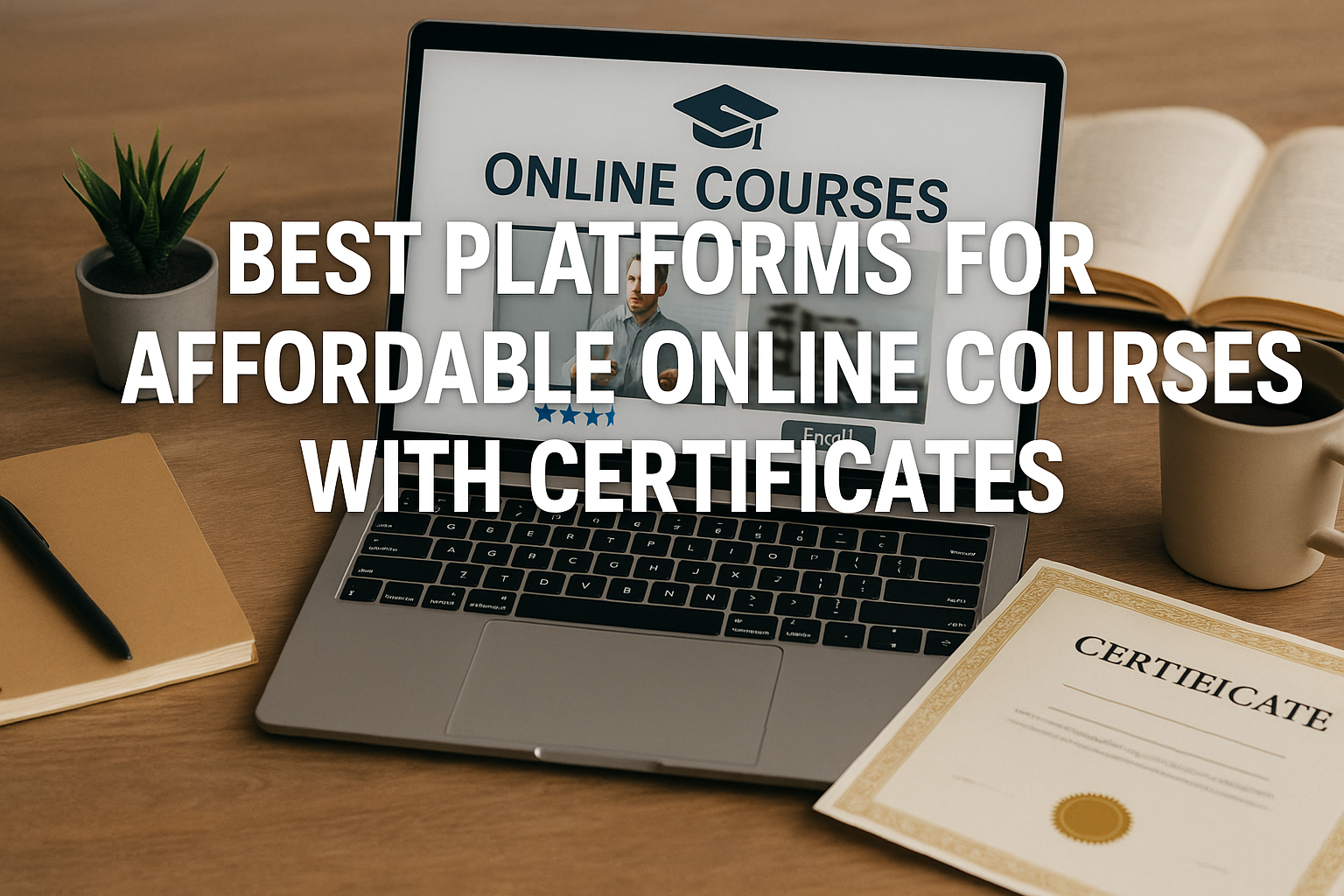
Let’s be honest: that $12 certificate you’re chasing… what do you really think it’s going to do for your career?
This is the question that cuts through the noise. The internet is flooded with “affordable online courses with certificates.” You can barely visit a website without an ad promising a new career for the price of a few coffees. And I’ve seen hundreds of people (myself included, years ago) stack up a pile of PDF “Certificates of Completion” that ultimately did nothing.
They’d link them on their LinkedIn, send them to recruiters, and get… silence.
The problem isn’t the price. The problem is that most people don’t understand what they’re buying. They’re buying a receipt, not a credential.
So, if you’re looking for genuinely affordable courses that provide a certificate with actual value, you have to stop looking for the cheapest option. You have to start looking for the right option. And that means understanding the different types of platforms and what their certificates actually signify.
The Big Two: “A-La-Carte” vs. “All-You-Can-Eat”
Most affordable learning platforms fall into two camps. Choosing the wrong one for your goal is the most common mistake I see.
-
The A-La-Carte (Udemy): You buy one course at a time.
-
The Subscription (Skillshare, LinkedIn Learning): You pay a monthly or annual fee for access to everything.
Let’s break down where each one shines.
The “Wait for the Sale” Warehouse: Udemy
Udemy is the world’s biggest marketplace for courses. You can find a 40-hour deep-dive on Python or a 2-hour primer on baking sourdough. It’s massive.
But here’s the first rule of Udemy: Never, ever pay full price.
The $199 “list price” is mostly marketing. Udemy runs sales so often (nearly every week) that the real price for almost any course is between $10 and $20.
The Certificate: The Udemy certificate is a “Certificate of Completion.” It proves you finished the videos. That’s it. It carries no weight with employers on its own.
So, what’s it good for? Udemy is my go-to for learning a specific, hard skill fast.
Mini Case Study: Sarah is a graphic designer who primarily uses Adobe Illustrator. A new job she wants lists “Photoshop mastery” as a requirement. She doesn’t need a university degree in it. She just needs to learn the tool.
The Mistake: She pays $150 for a “Verified Photoshop Certificate” from a no-name online college.
The Smart Move: She waits for a Udemy sale and buys the single highest-rated, 60-hour “Complete Photoshop Mastery” course for $14.99. She spends a weekend blazing through it.
The certificate itself is irrelevant. The proof is her updated portfolio. She adds three new projects to her Behance profile that were clearly made using advanced Photoshop techniques. That’s what lands her the interview.
Use Udemy when:
-
You need to learn a specific tool (like Excel, a new programming language, or a piece of software).
-
You are self-motivated and just need the raw information.
-
Your goal is the skill or a portfolio piece, not the certificate.
The “Creative Buffet” Model: Skillshare & LinkedIn Learning
Next are the “all-you-can-eat” platforms. You pay one fee and unlock thousands of courses.
Skillshare is the undisputed king for creatives. If you want to learn illustration, video editing, UX/UI design, branding, or photography, this is your place. The “certificates” are, frankly, meaningless. The entire platform is built around one thing: projects.
Almost every class requires you to make something. You learn a technique, you post your project. The value isn’t a PDF; it’s a portfolio.
LinkedIn Learning (formerly Lynda.com) is the corporate cousin. The content is slick, professional, and heavily focused on business and tech skills: project management, data visualization, communication, leadership, and software (like the full Microsoft and Adobe suites).
The Certificate: This one is interesting. A LinkedIn Learning certificate is still just a “certificate of completion,” but with a unique integration. You can directly add it to your LinkedIn profile with one click.
Does a recruiter see a “Certificate in Email Marketing” and hire you on the spot? No.
But does a recruiter who visits your profile see a pattern—five new courses completed in the last six months on marketing, SEO, and copywriting? Yes. It shows an active interest and a drive to self-improve. It’s a signal, not a credential.
Quick Aside: I once used a 30-day free trial for LinkedIn Learning to binge-learn an entire area of business I knew nothing about (Product Management). I watched 10 courses, got the “Learning Path” certificate, and felt 100x more confident in meetings. I didn’t get a raise for it, but I stopped sounding like I had no idea what was going on. That’s a win.
Use a Subscription when:
-
You want to “cross-skill” in several related areas (e.g., learn SEO, email marketing, and content strategy).
-
Your primary goal is building a portfolio (Skillshare).
-
You want to show “continuous learning” to your professional network (LinkedIn Learning).
The Heavy-Hitters: When the Certificate Actually Matters
Alright. Let’s get serious. Everything above is for “skills” and “portfolio building.” But what if you’re trying to make a genuine career change? What if you need a certificate that an HR department will actually recognize?
You need to look at Coursera and edX.
These platforms are different. They don’t just host courses by individuals; they host courses and programs from major universities (Duke, UMich, Stanford) and, more importantly, major companies (Google, IBM, Meta, Salesforce).
This is where you find the Professional Certificate.
This isn’t a single course. It’s a “Specialization” or “Professional Certificate” program—a series of 5-10 courses that take 3-9 months to complete. They include rigorous, peer-graded assignments, quizzes, and, crucially, capstone projects.
The Cost: This is where people get confused about “affordable.” Coursera, for example, is typically around $49-$79 per month to access a Specialization.
-
The Mistake: David wants to become a Data Analyst. He sees the “Google Data Analytics Professional Certificate” on Coursera costs $49/month. He thinks, “That’s expensive! A Udemy course is $15.”
-
The Smart Move: David realizes this isn’t a course. It’s a bootcamp replacement. He’s not comparing $49/month to $15. He’s comparing $49/month to a $10,000 Data Analytics bootcamp.
If he buckles down, he can finish the entire 8-course program in 4 months. Total cost: ~$200.
For $200, he gets a verifiable credential, co-branded by Google, that he can put on his resume. This certificate has weight. Companies like Google, Deloitte, and Target all recognize it as part of their hiring programs.
edX operates similarly, with a pedigree from Harvard and MIT. They offer “MicroBachelors” and “MicroMasters” programs. These are bundles of university-level courses that can sometimes even be converted into actual college credit.
Use Coursera/edX when:
-
You are trying to make a career change into a high-demand field (like Data Science, IT Support, Project Management, or UX Design).
-
You want a certificate from a brand that employers know (Google, IBM, University of Michigan).
-
You are willing to do the work: graded assignments, capstone projects, and a 3-9 month commitment.
What Nobody Tells You About Online Certificates
Okay, here’s the surprising insight. Even with a fancy Google certificate…
The certificate itself is still just a receipt.
Whaaaat?
Yes. It’s a receipt that proves you did the work. The real value is the capstone project you built.
-
Don’t put on your resume: “Certificate in Google Data Analytics.”
-
Do put on your resume: “Analyzed and visualized a 100,000-row dataset to identify sales trends as the capstone project for the Google Data Analytics Professional Certificate.”
See the difference? One is passive. The other is active. It describes the skill, and the certificate is just the proof. The certificate gets you past the first automated resume filter. The project is what you talk about in the interview.
The Best “Free” Option with a Respected Certificate
I can’t finish this without mentioning the powerhouse of free learning: freeCodeCamp.
If you want to be a web developer, this is your starting point. It’s not a platform; it’s a non-profit curriculum. You learn by building 10+ real-world projects. At the end, you get a “Full-Stack Developer Certification.”
Because this certificate is known to require hundreds of hours of actual coding and real projects, it is one of the most respected “free” credentials in the entire tech industry.
So, How Do You Choose?
Stop hunting for “cheap.” Start by defining your goal.
Here’s your final checklist.
Ask yourself: “What is my primary goal?”
-
Goal: “I need to learn one specific tool (like Photoshop or advanced Excel) for a project.”
-
Action: Go to Udemy. Wait for a sale. Buy the highest-rated course. Focus on the skill, ignore the certificate.
-
-
Goal: “I want to explore a new creative field and build a portfolio.”
-
Action: Get a Skillshare subscription. Start building projects today.
-
-
Goal: “I want to show my boss/network I’m serious about my field.”
-
Action: Get LinkedIn Learning. Binge-watch a Learning Path and add it to your profile.
-
-
Goal: “I want to change careers and need a credential that means something.”
-
Action: Go to Coursera or edX. Find a Professional Certificate from Google, IBM, Meta, or a top university. Commit to the 6-month grind.
-
-
Goal: “I want to become a software developer and have zero money.”
-
Action: Go to freeCodeCamp. Start lesson one. Don’t stop.
-
That’s it. The most affordable online course is the one that actually gets you to your goal, not the one with the smallest price tag.
Author Box
The Tipsclear Editorial Team — We are a team of researchers and writers obsessed with professional development and smart learning. Our guides are based on hands-on testing of platforms, industry trends, and analysis of what skills employers actually value. This content is for educational purposes and does not constitute personalized career advice.
