1.1 Deconstructing the A+ Certification: Your First Step in IT
Let’s start with the big picture. I often tell my clients to think of the CompTIA A+ as the master key to their first IT job. It’s the credential that shows up constantly in job postings for tech support and IT operations, and it’s a clear signal to hiring managers that you’ve got the foundational skills they’re looking for. This is your entry pass to roles like IT Support Specialist, Help Desk Technician, and Field Service Technician.
The real magic of the A+ is that it’s vendor-agnostic. You’re not just learning one company’s system; you’re learning the principles behind all systems, which makes you incredibly versatile. After you pass both exams, the certification is yours for three years. To keep it active, you’ll either complete some continuing education (CE) or pass the newest version of the exam, which is a great way to ensure your skills never get stale.
1.2 The 1200 Series Is Here: Why the New Exams Are Your Only Focus in 2025
Every three years, CompTIA refreshes the A+ exam to keep pace with the industry, and 2025 is one of those pivotal years. The new exams, 220-1201 (Core 1) and 220-1202 (Core 2), went live on March 25, 2025. According to(https://www.examcompass.com/comptia/exam-retirement-dates), the older 1100 series is being phased out, with a final day for English exams on September 25, 2025.
I get this question all the time: “Should I rush to take the old exam?” My answer is almost always a firm no. Here’s the deal—you must pass both exams from the same series. You can’t pass the old Core 1 and the new Core 2. It’s a package deal.
Trying to beat the retirement clock is a high-stakes gamble I’ve seen backfire. One failed attempt or a scheduling conflict, and all your hard work on that first exam goes down the drain. You’d have to start over from scratch with the new series. Frankly, employers don’t care which version you passed. A+ certified is A+ certified. So, do yourself a favor: remove the unnecessary stress and focus all your energy on the 1200 series. It’s the only strategic move.
1.3 What’s New? A Bigger Focus on Security, Remote Work, and Automation
This isn’t just a minor update; it’s a major shift that reflects where the IT world is heading. The new exams are built for a workforce that is more remote, more cloud-based, and far more security-conscious than ever before. As noted by industry experts, the(https://www.quickstart.com/blog/certifications/whats-new-in-comptia-a-220-1201-1202-updates-exam-costs-and-career-outlook/) to a greater degree.
Here’s what that means for you:
- More Cybersecurity: You’re now seen as the first line of defense. The exam expects you to know more about threat detection, secure access, and protecting devices.
- Emphasis on Remote Support and Cloud: The reality is that you’ll be supporting people who aren’t in the office. That means a deeper knowledge of VPNs, virtual machines, and cloud apps is no longer optional.
- Awareness of Automation: You don’t need to be a programmer, but you do need to recognize how simple scripts in PowerShell or Bash can make an IT department more efficient.
The role of an entry-level tech has evolved. It’s less about being a “PC repair” person and more about being a junior guardian of the company’s security and cloud infrastructure. Mastering new topics like zero trust, MFA, and MDM isn’t just about passing a test; it’s about being ready for the job you’ll actually be doing.
Section 2: A Deep Dive into the A+ Core 1 (220-1201) Exam

2.1 Official Domain Breakdown and Weighting Analysis
Alright, let’s get into the weeds with the first exam, Core 1 (220-1201). You’ll face up to 90 questions in 90 minutes, a mix of multiple-choice and hands-on simulations. According to the(https://www.comptia.org/en-us/certifications/a/core-1-v15/), the passing score is 675 out of 900.
The exam is divided into five areas, or domains. Pay close attention to the percentages here, because they tell you exactly where to focus your energy.
The message from CompTIA is crystal clear: networking matters more now. That 3% jump is your cue to dedicate more study time to how devices talk to each other.
2.2 Key Content Updates: What to Focus On for Core 1
While much of the exam is familiar, about 13% of the content is new, and that’s where people can get tripped up. It’s absolutely vital that your study materials are specifically for the 220-1201 exam, or you’ll miss these key additions. For a granular look, you can review a detailed breakdown of the 1201 exam changes.
Here’s a quick rundown of what’s new and important:
- Networking: You’ll need to know about the 6 GHz wireless band (think Wi-Fi 6E) and how to select channels. The exam also adds basics on database servers, the Network Time Protocol (NTP), and practical tasks like setting up DHCP exclusions.
- Mobile Devices: The focus has shifted to managing devices in a business setting. Be ready for questions on SIM and eSIMs, Mobile Device Management (MDM), and enforcing company policies on both corporate and personal devices (BYOD).
- Hardware: Things have been modernized. Expect to see newer display technologies like Mini LED and refresh rates. Also new are USB-C video cables, microATX motherboards, and the security implications of updating printer firmware.
- Virtualization and Cloud Computing: The curriculum now officially includes containers and makes a clearer distinction between Type 1 and Type 2 hypervisors. You’ll also need to understand cloud cost concepts like ingress/egress metering.
To make room, a lot of legacy tech has been cut. The exam is no longer about memorizing old cable types; it’s about understanding how a modern laptop or phone securely connects to a company’s network.
Section 3: Mastering the A+ Core 2 (220-1202) Exam
3.1 Official Domain Breakdown and Weighting Analysis
Now for the second exam, Core 2 (220-1202), which covers software, security, and operations. It’s the same format—90 questions in 90 minutes—but as the CompTIA A+ Core 2 show, the passing score is a bit higher at 700, which tells me CompTIA places a premium on these skills.
The domain weights for Core 2 reveal the single biggest strategic shift in the entire A+ update. This is important.
Let that sink in. Security is now weighted just as heavily as Operating Systems. I’ve been coaching for years, and this is a massive signal from the industry. Security is no longer a niche skill; it’s a fundamental part of the job from day one. You must treat it as a top priority in your studies.
3.2 Key Content Updates: A Granular Look at Changes
Core 2 has seen a more significant overhaul than Core 1, with roughly 20% of the material being new or heavily revised. Again, this means 1102 study guides just won’t cut it. You can see a full list of the new topics added to the 1202 exam to understand the scope of the changes.
Here’s what you need to master for Core 2:
- Operating Systems: The exam now includes Windows 11 and newer file systems like ReFS. On the macOS side, you’ll see features like Rapid Security Response (RSR). The Linux section has also been beefed up with more commands, reflecting its growing importance in the business world. You’ll also need to be familiar with basic scripting concepts for automation.
- Security (Major Expansion): This is where the action is. You’ll be tested on modern frameworks like the zero trust model and technologies like passwordless authentication. The malware section now includes contemporary threats like stalkerware and fileless malware. Get ready for a new batch of acronyms like EDR, MDR, and XDR, and be prepared for questions on modern attacks like QR code phishing (quishing) and Business Email Compromise (BEC).
- Software Troubleshooting: This section is more practical now, with scenarios like what to do when an app won’t install or a browser is performing poorly.
- Operational Procedures: Concepts that used to be “good ideas” are now official objectives. You’ll need to understand Service Level Agreements (SLAs) and different types of change management.
The massive update to the security domain is a direct reflection of the headlines we see every day. To pass, you can’t just memorize definitions. You have to understand the why. Why do we use a zero trust model? What threat does EDR help us fight? Connecting the concept to the real-world problem is the key to success.
Section 4: Architecting Your Personalized Study Plan
4.1 Assessing Your Starting Point: Tailoring a Timeline
One of the first things I work on with a new client is figuring out a realistic timeline. There’s no magic number; it all depends on your starting point. CompTIA might suggest 9-12 months of experience, but I’ve seen countless people succeed with a dedicated study plan instead.
- For Beginners (No IT Experience): Be honest with yourself. You’re building from the ground up. I recommend planning for 120 to 160 hours of focused study, a timeframe many training experts agree on for newcomers. If you’re consistent, that usually means an 8 to 12-week journey.
- For Candidates with Some IT Experience: You have a head start, but don’t get complacent. You’re probably looking at 100 to 140 hours. Your main job is to map your existing knowledge against the official exam objectives and ruthlessly attack your weak spots.
- For Experienced IT Professionals: For you, this is less about learning and more about translating what you know into “CompTIA-speak.” A focused 20 to 40 hours should be enough to learn the exam format and brush up on any specific terminology.
4.2 The 160-Hour Blueprint for Beginners: A 12-Week Study Framework
If you’re starting from scratch, the sheer amount of information can feel like trying to drink from a firehose. The solution is a structured plan. Think of this table as a starting point, not a straitjacket. It breaks down to about 13-14 hours a week.
A 12-Week Study Framework
4.3 Financial Planning: Budgeting for Your A+ Certification
Let’s talk money. Getting certified is an investment, and it’s more than just the cost of the exams.
- Exam Vouchers: In the U.S., each exam voucher is $265. You need two, so your baseline cost is $530.
- Training Materials: This is where the cost can vary wildly. You can build a great self-study plan with free videos and supplement with books ($50-$130) and practice exams ($10-$50).
- Instructor-Led Training (ILT): A full-blown bootcamp is the premium option, often running between $2,000 and $2,800.
- Retake Costs: This is a big one. CompTIA doesn’t give you a free do-over. Every attempt costs the full price. Some training providers offer bundles with a retake voucher, which can be a smart buy.
Here’s how two different approaches might look financially:
4.4 Choosing Your Training Modality: Self-Study vs. Instructor-Led
This is a personal decision, and there’s no single right answer. It comes down to your learning style, your budget, and how much accountability you need.
- Self-Study (E-Learning): This path gives you total flexibility and is the most budget-friendly. It’s perfect if you’re disciplined and have a chaotic schedule. The challenge? You have to be your own coach. It’s on you to find good materials and stay motivated when you hit a wall.
- Instructor-Led Training (ILT): A formal class provides structure, accountability, and an expert you can ask questions in real-time. I’ve found that people who need that external push often have higher success rates with this method. The obvious downside is the hefty price tag and the need to commit to a fixed schedule.
Here’s how I frame it for my clients: think of the high cost of a bootcamp as an insurance policy. If you fail both exams once while self-studying, you’ve already spent another $530 and delayed your career goals. If that structured class significantly boosts your odds of a first-time pass, it might just be the smarter financial move in the long run.
Section 5: Assembling Your Ultimate A+ Study Toolkit
5.1 A Critical Review of Premier Training Resources
The self-study world is full of options, but over the years, a few clear winners have emerged. You don’t need everything, but you do need a few high-quality resources.
- Professor Messer: His Professon Messer are the undisputed foundation of A+ self-study. They are no-fluff, objective-focused, and cover everything you need to know. While the videos are free, I strongly recommend buying his course notes and practice exams. They’re an incredible value.
- Jason Dion (Dion Training): If there’s one resource people credit for getting them over the finish line, it’s Dion’s practice exams. They are famous for being incredibly close to the real thing in terms of wording, difficulty, and style. Don’t even think about sitting for the exam until you’ve taken his tests.
- Mike Meyers: Meyers is a storyteller. His All-in-One Exam Guide is a beast of a book, but he has a knack for making complex topics engaging and memorable. He doesn’t just teach you to pass the test; he teaches you how to be a good technician.
Here’s a quick breakdown to help you decide what fits your style:
5.2 The “WRAP” Method in Practice: Integrating Your Toolkit
The most successful students I’ve coached don’t rely on a single resource. They layer them. Professor Messer has a simple but brilliant framework for this called the “WRAP” method, which I love.
- W (Watch): Start with a video course (like Messer’s) to build your foundational knowledge.
- R (Read): Use a book (like Meyers’) to fill in the gaps and get a different perspective on tough topics.
- A (Apply): Get your hands dirty with labs. This is non-negotiable.
- P (Practice): Hammer away at (https://www.diontraining.com/collections/comptia-a-practice-exam) to test your knowledge, master the clock, and get used to CompTIA’s tricky question style.
This approach creates a powerful learning loop. The videos give you the what, the book gives you the why, the labs give you the how, and the practice tests prove you’ve got it.
5.3 Evaluating Official CompTIA Tools: CertMaster Suite
CompTIA has its own suite of official study tools called CertMaster. They are perfectly aligned with the exam, but they do come with a premium price tag.
- CertMaster Learn: A comprehensive, self-paced course with lessons, videos, and practice questions. It’s very thorough, but some of my clients have found it a bit dry compared to third-party options.
- CertMaster Labs: This is their hands-on lab platform. It gives you access to real virtual machines in your browser, which is fantastic for practicing real-world tasks.
- CertMaster Practice: An adaptive practice test tool that hones in on your weak spots. Many people say the questions are actually harder than the real exam, which can be great for a final confidence boost.
- CertMaster Perform: This is their all-in-one package, combining the learning content with labs to focus on job-ready skills.
Section 6: The Critical Role of Hands-On Experience
6.1 Beyond Theory: Why Practical Labs are Non-Negotiable
Let me be as clear as I can be: you cannot pass this exam by just reading books and watching videos. I’ve seen too many smart people fail because they skipped the hands-on work. The A+ is a practical exam for a practical job, and it’s loaded with performance-based questions (PBQs) that require you to do something, not just know something.
I advise my clients to spend up to 40% of their study time in a lab environment. It’s in the lab that abstract concepts click into place. Taking apart a computer, configuring a network, or troubleshooting an error builds a kind of muscle memory that you can’t get from a textbook. Skipping labs is a false economy; it saves you a little time now but costs you big on exam day.
6.2 Building Your Virtual Lab: Free and Low-Cost Strategies
The best part is, you don’t need to spend a fortune to get this experience. You can build an incredible lab right on your own computer for free.
- Virtual Machines (VMs): This is your best friend for the Core 2 exam. Download a free tool like (https://www.oracle.com/virtualization/virtualbox/) and you can install and experiment with Windows 11 and various Linux distributions. It’s a safe sandbox where you can break things, fix things, and learn without any risk to your main computer.
- Network Simulators: For Core 1, (https://www.netacad.com/cisco-packet-tracer) is an absolute game-changer. It’s a powerful network simulator that’s free with a Cisco Networking Academy account. You can build and troubleshoot entire virtual networks, giving you priceless hands-on experience with IP addressing and network services.
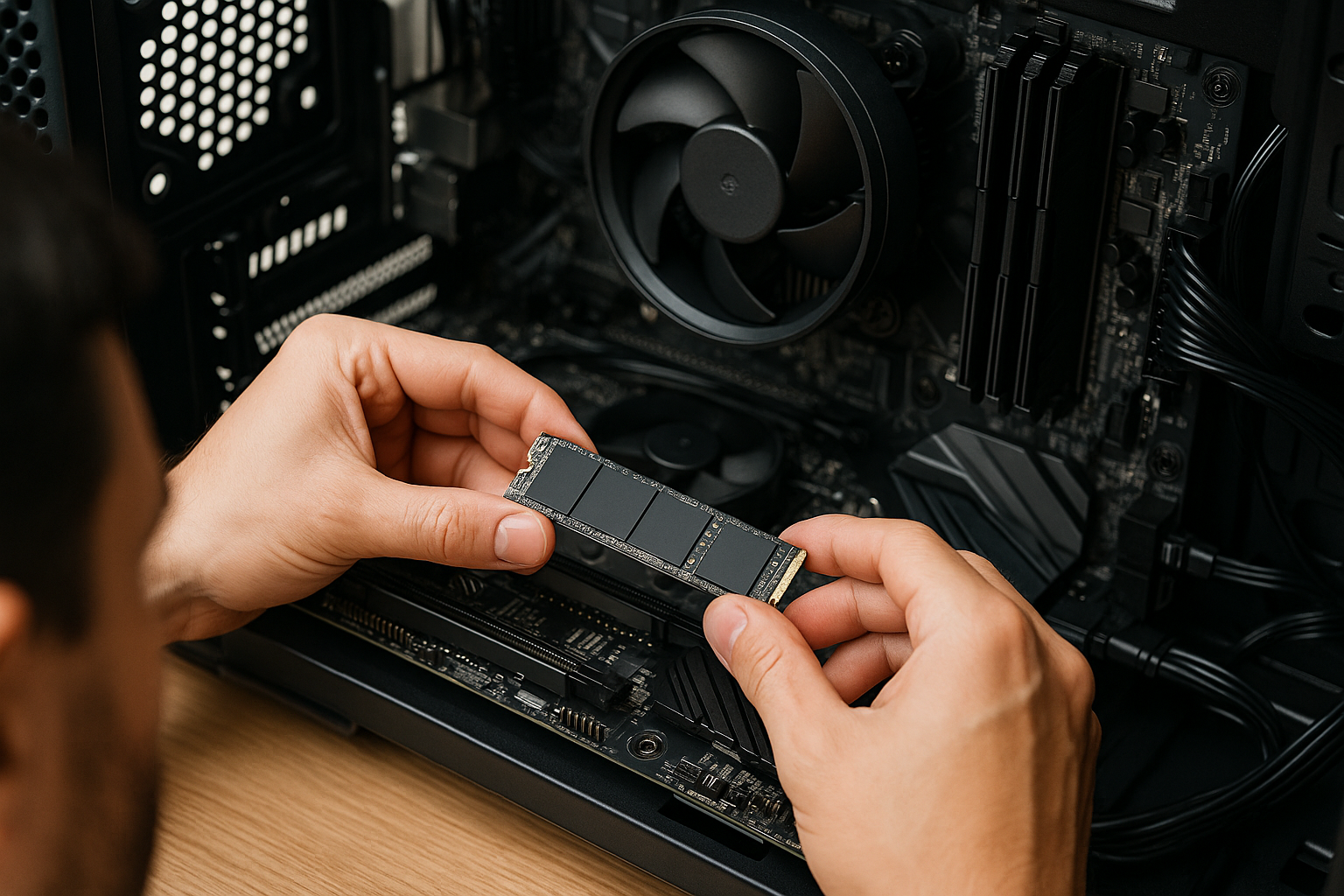
- Physical Practice: There’s just no substitute for touching the hardware. Find an old, cheap desktop computer you can take apart and put back together. The tactile experience of seating RAM or connecting a hard drive builds a confidence you can’t get from a screen.
- Gaming Simulators: If you want a more engaging way to learn hardware, I’ve heard great things about the game PC Building Simulator. It’s a surprisingly accurate and fun way to learn components and assembly.
6.3 Evaluating Paid Lab Platforms
If you’d rather have a more guided experience, there are paid platforms that offer browser-based labs with no setup required.
- CompTIA CertMaster Labs: The official option. The labs are perfectly aligned with the exam objectives and offer step-by-step guidance, which is great for beginners.
- Boson Practice Labs: Boson is known for creating very realistic lab environments that let you work with more complex network setups.
- 101 Labs: This platform’s course is built entirely around hands-on labs, guiding you through exercises using free software that you set up yourself—a nice middle ground between a fully guided service and a DIY home lab.
Are they worth it? It depends. Some people thrive with the structure and convenience. Others are perfectly happy and successful using the free tools. There’s no shame in either path.
Section 7: Decoding and Dominating Performance-Based Questions (PBQs)
7.1 Anatomy of an A+ PBQ: Types, Formats, and Scoring
The Performance-Based Questions, or PBQs, are where the rubber meets the road. They show up right at the beginning of the exam and are designed to see if you can actually solve a problem in a simulated environment. As (https://www.comptia.org/en-us/blog/what-is-a-performance-based-question/) test your ability to handle real-world scenarios. You’ll likely see between one and ten of them on each exam.
They generally come in three main styles:
- Drag-and-Drop: Matching things up, like dragging computer parts to the right slots on a motherboard.
- Fill-in-the-Blank: Usually a command-line window where you need to type the correct command to get a job done.
- Scenario/Simulation: The most complex type. You’ll be in a simulated Windows Control Panel or router interface and have to configure settings or troubleshoot an issue.
Here’s a critical piece of insider info: CompTIA awards partial credit on PBQs. This is huge. It means you should attempt every single one, even if you’re not sure you can finish it perfectly. Every point counts.
7.2 Strategic Approaches: The “Flag and Return” Tactic
Here is perhaps the single most important piece of test-day advice I can give you. Because the time-consuming PBQs are at the start, they are a classic trap. I’ve seen people burn 20 minutes on the first PBQ, panic, and then rush through the rest of the exam. Don’t let that be you. Use the “Flag and Return” strategy.
It’s simple:
- When the exam starts, look at the first PBQ.
- If you know exactly what to do and can do it quickly, great. Do it.
- If it looks even remotely confusing or time-consuming, flag it for review and immediately skip it.
- Do this for all the initial PBQs.
- Power through all the multiple-choice questions, banking those easier points.
- With your remaining time, go back and tackle the flagged PBQs without the pressure of the clock ticking down on 80 other questions.
This is as much a psychological tool as it is a time management one. You build confidence and momentum with the multiple-choice questions. When you return to the PBQs, you’re doing so from a position of strength, not panic. It makes a world of difference.
7.3 Walkthrough of Simulated PBQ Scenarios
You won’t know the exact PBQs you’ll get, but we have a good idea of the types of tasks you’ll face. You should practice scenarios like these until they feel like second nature:
- Core 1 Example (SOHO Network Setup): You’re given a diagram of a small office and a bunch of network devices. Your task is to drag the modem, router, and switch into their correct places and then open a simulated config screen to set the Wi-Fi name (SSID) and password using WPA3 security.
- Core 2 Example (RAID Configuration): You see the Windows Disk Management utility with three empty hard drives. The goal is to set up a striped volume (RAID 0) for maximum speed and storage, with no need for redundancy. You’ll need to know the exact steps to create this volume using the wizard.
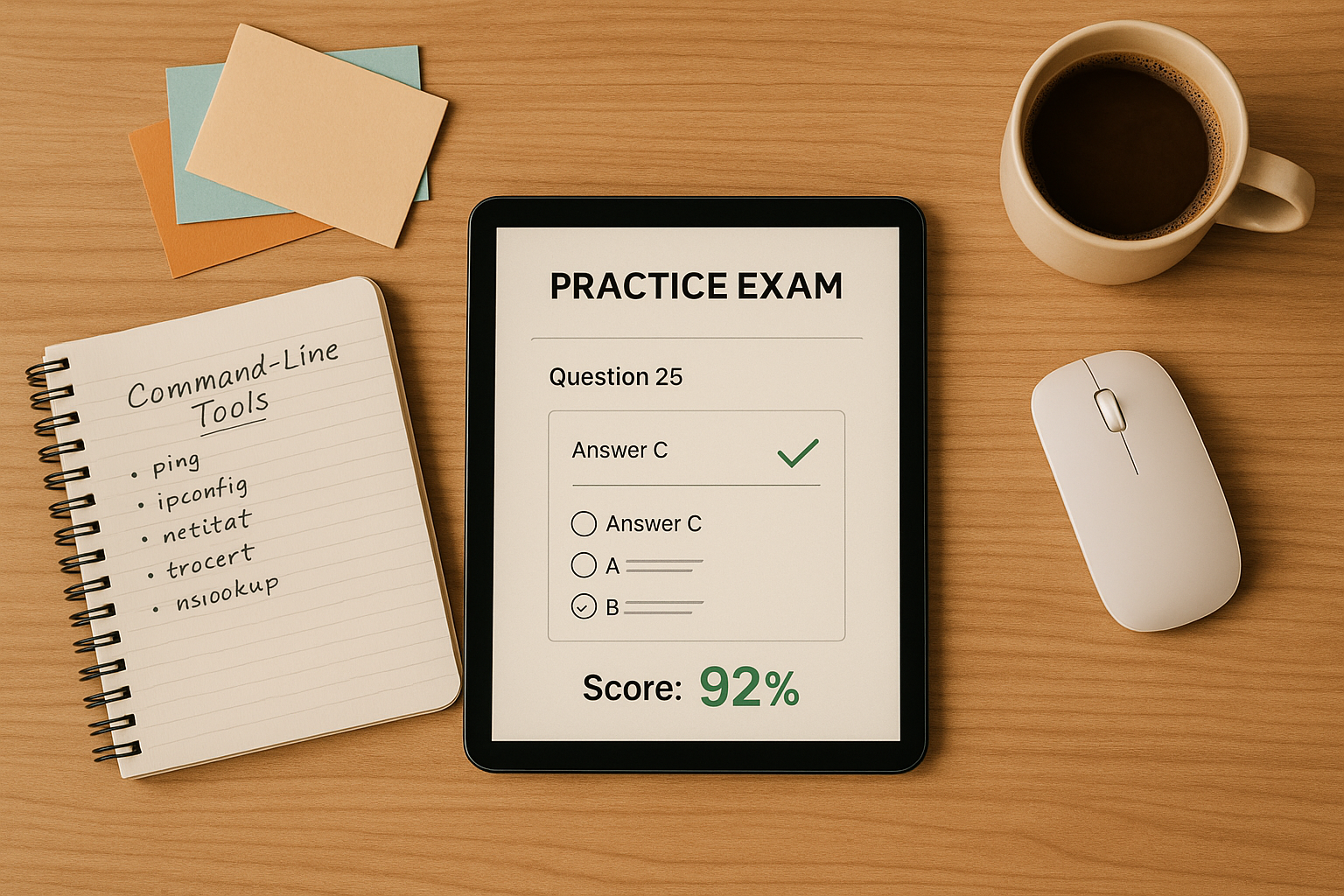
- Core 2 Example (Command-Line Troubleshooting): A user can’t get online. You’re at a command prompt. You need to demonstrate a logical troubleshooting process: use
ipconfigto check the local IP, thenpingthe gateway, thentracertto see where the connection is failing.
Section 8: Final Preparations and Exam Day Execution
8.1 Common Pitfalls and How to Avoid Them
After coaching hundreds of students, I’ve seen the same mistakes trip people up time and time again. Knowing what they are is half the battle.
- Pitfall 1: Memorizing Without Understanding: This is the big one. People memorize lists of port numbers but can’t explain what DNS is for. The exam will expose this weakness with scenario questions that require you to apply knowledge, not just repeat it.
- The Fix: Always ask “why?” Why does this protocol use that port? Why is this the first step in malware removal? True understanding is your goal.
- Pitfall 2: Ignoring the Official Exam Objectives: I’ve seen people waste weeks studying topics that aren’t even on the test. Your study time is your most valuable asset; don’t squander it.
- The Fix: The (https://www.comptia.org/en-us/certifications/a/) should be your bible. If a topic isn’t in that document, it doesn’t exist for the purpose of this exam.
- Pitfall 3: Not Taking Timed Practice Exams: Walking into the exam without having simulated the experience is like a football team showing up on game day without ever having scrimmaged. The time pressure and the tricky wording of the questions will overwhelm you.
- The Fix: Take at least 3-5 full-length, timed practice exams. Don’t just take them; analyze them. Aim for consistent scores of 80% or higher before you even think about scheduling the real thing.
- Pitfall 4: Misreading the Question: CompTIA questions are notorious for their wording. They love double negatives, extra details designed to distract you, and asking for the “BEST” or “MOST likely” answer when multiple options seem plausible.
- The Fix: Read every question twice. Slowly. Identify the keywords. What are they really asking?
8.2 The Final 72 Hours: A Checklist for Success
The final days are not for cramming. They are for consolidation and getting your head in the right space.
- Review, Don’t Cram: Lightly go over your notes, flashcards, and any areas you’ve marked as weak. Trying to learn a major new topic now will only create anxiety.
- Confirm Logistics: Double-check the exam time and location. If you’re testing from home, make sure your space is clean and your tech is working. Lay out your government-issued IDs the night before.
- Prioritize Rest: Seriously. A good night’s sleep is worth more than three extra hours of frantic, last-minute studying. A tired brain makes foolish mistakes.
- Perform a Pre-Exam “Brain Dump”: This is a classic pro-level trick. Get to the testing center early. As soon as you sit down at your station, before the timer starts, use the provided scratch paper to write down everything you’re scared of forgetting—port numbers, RAID levels, the 7 steps of laser printing, whatever. This gets it out of your head and onto the paper, freeing up mental bandwidth for problem-solving.
8.3 In-Exam Tactics and the Retake Policy
When the clock starts, take a deep breath. You’ve prepared for this.
- Manage the Clock: You have roughly one minute per question. If you’re stuck, make your best educated guess, flag it, and move on. Don’t let one question sink your exam.
- Use the Process of Elimination: On tough multiple-choice questions, your goal is often to eliminate the two obviously wrong answers. This doubles your odds of guessing correctly.
- Trust Your Gut: More often than not, your first instinct is the right one. Don’t go back and change answers unless you have a sudden, crystal-clear realization that you made a mistake.
- Understand the Retake Policy: Now, what if things don’t go your way? First, it’s not the end of the world. According to the (https://www.comptia.org/en-us/resources/test-policies/comptia-certification-retake-policy/), for your first retake, there’s no waiting period. If you fail a second time, you have to wait 14 days for subsequent attempts. And yes, you have to pay the full fee every single time.
Let me offer a final piece of coaching advice. Reframe what “failing” means. Don’t think of it as a failure. Think of it as the most expensive, most detailed practice test you’ll ever take. If you don’t pass, you walk out with a score report that tells you exactly what you need to study. This mindset shift can take an immense amount of pressure off your first attempt, which, ironically, makes you far more likely to pass.


Leave a Comment
You must be logged in to post a comment.